

DraftPro for Real Estate and Facilities Legal Teams
Use DraftPro to draft, revise, and surgically redline leases, subleases, facilities, easements, and equipment terms directly inside Microsoft Word.
Real estate contract work inside Microsoft Word
Real estate and facilities legal teams often handle repeat agreements with small but important differences. A lease may include unfamiliar renewal language. A sublease may create consent issues. A facilities agreement may shift operational risk. An equipment lease may include non-standard return, maintenance, or casualty terms.
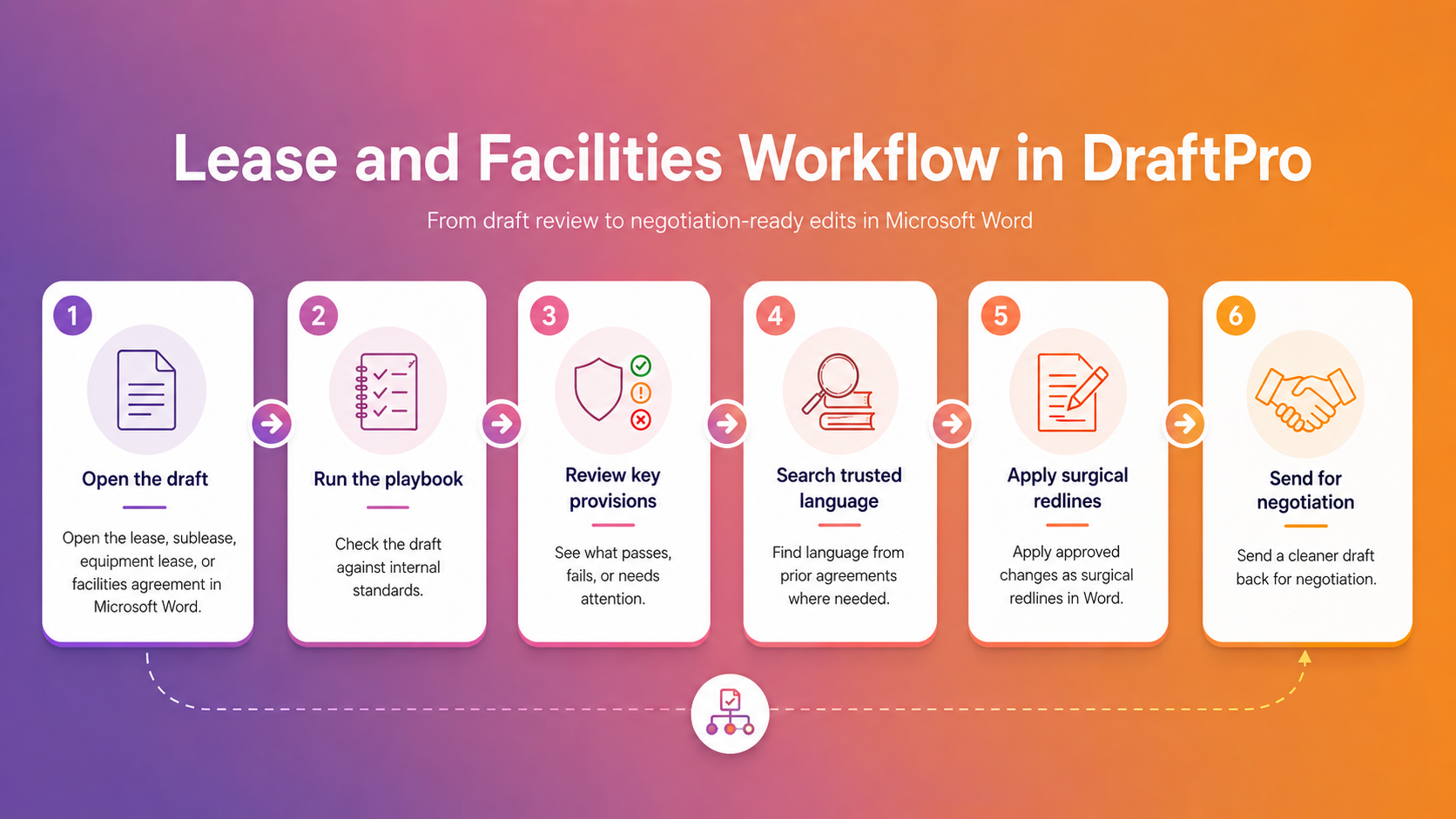
DraftPro helps legal teams move through these contracts inside the drafting environment they already use. Teams can open the document in Microsoft Word, run the relevant playbook, see where language may need attention, and decide which edits should become surgical redlines.
DraftPro supports legal judgment. It does not replace it. Lawyers stay in control of what to accept, revise, or reject.
How DraftPro supports real estate and facilities workflows
-
DraftPro can support workflows involving leases, office leases, sublease agreements, equipment lease agreements, facility agreements, and reciprocal easement agreements.
For legal teams that handle these documents regularly, DraftPro helps reduce reliance on scattered precedent, reviewer memory, and one-off edits.
-
DraftPro helps legal teams apply internal standards to real estate and facilities drafts.
Playbook rules can focus on renewal, assignment, consent rights, maintenance obligations, access rights, insurance, indemnity, limitation of liability, termination, governing law, notice, payment obligations, and property-specific restrictions.
-
When a provision does not match the playbook, DraftPro can suggest revised language.
The legal user can review the suggestion and apply it in Microsoft Word as a surgical redline, keeping every drafting decision under lawyer control.
-
Real estate and facilities teams often reuse language from prior leases, office leases, easement agreements, equipment leases, and facility contracts.
DraftPro helps users search trusted clause language from agreements stored in eBrevia by contract type, project, matter, jurisdiction, clause type, or specific wording.
-
Real estate and facilities work is often spread across offices, properties, departments, and regions.
DraftPro helps legal departments create more consistent drafting practices across repeat workflows, so lease, facilities, easement, and equipment terms can move forward with fewer avoidable drafting gaps.

Where DraftPro fits in the real estate contract workflow?
DraftPro helps legal teams work through real estate and facilities drafts from first pass to counterparty response. It keeps the drafting process familiar while adding structure where legal teams need it most.
Agreement types DraftPro can support for real estate and facilities teams
-
![Lease agreement]()
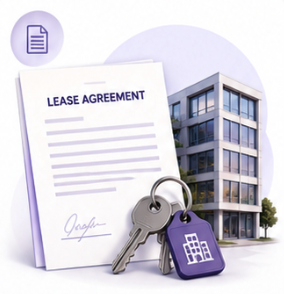
Lease Agreement
DraftPro can help legal teams assess lease language against internal standards, including renewal, assignment, payment, notice, maintenance, access, insurance, indemnity, and termination terms.
-
![Office Leases]()
Office Leases
For office lease workflows, DraftPro can help teams work through provisions tied to premises, use, operating expenses, renewal options, landlord consent, improvements, and exit rights.
-
![Sublease Agreements]()
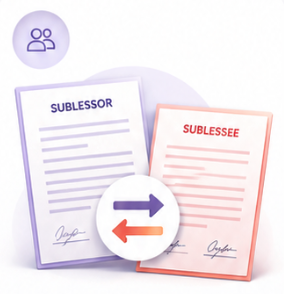
Sublease Agreements
Sublease drafts often require careful attention to consent, pass-through obligations, original lease terms, use restrictions, indemnity, default, and termination. DraftPro helps legal teams identify language that may need revision and prepare surgical redlines where appropriate.
-
![Equipment lease agreements]()
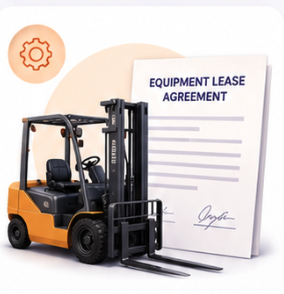
Equipment Lease Agreements
Equipment leases may involve delivery, maintenance, loss, return conditions, payment, warranties, insurance, and casualty terms. DraftPro helps legal teams apply playbook standards and make targeted edits inside Word.
-
![Facility agreements]()
Facility Agreements
Facility agreements may cover access, services, operations, safety obligations, property use, indemnity, insurance, payment, and termination. DraftPro can help legal teams check these terms against approved positions.
-
![Reciprocal easement agreements]()
Reciprocal Easement Agreements
Reciprocal easement agreements can include access rights, shared use, maintenance, cost allocation, restrictions, successors, and remedies. DraftPro helps legal teams work through these provisions in a more structured way.


Why real estate and facilities legal teams use DraftPro?
DraftPro is useful when legal teams need to revise real contracts, not just generate new language. It helps teams bring playbook standards, clause language, and surgical redlines into the same Word-based workflow.
For example, legal teams can use DraftPro to:
Apply internal standards to repeat real estate and facilities agreements.
Find non-standard or missing language faster.
Prepare surgical redlines for negotiation.
Reuse trusted clause language from prior agreements.
Reduce reliance on scattered precedent and reviewer memory.
Keep lawyers in control of every contract edit.
Explore DraftPro for Healthcare, Financial Services, Technology & SaaS industries.
Also, learn how DraftPro supports NDAs, Vendor Agreements, Employment Agreements, MSAs.

Built on eBrevia’s contract AI experience
DraftPro builds on eBrevia’s long experience with contract AI and legal document workflows.
Contract drafting requires polished language, but also requires understanding contract structure, negotiation context, clause standards, risk positions, and how lawyers actually revise documents.
DraftPro brings that experience into Microsoft Word so legal teams can run playbooks, find trusted language, and surgically redline real estate and facilities agreements in the place where contract drafting already happens.
-
DraftPro helps real estate and facilities legal teams draft, revise, and surgically redline leases, subleases, office leases, equipment leases, facility agreements, and easement-related contracts directly in Microsoft Word.
-
Yes. DraftPro can support workflows involving lease agreements, office leases, and sublease agreements. Legal teams can run playbooks, check important provisions, and prepare surgical redlines in Word.
-
Yes. DraftPro can help legal teams apply playbook guidance to real estate and facilities agreements. Teams can use playbooks to check provisions such as renewal, assignment, consent, insurance, indemnity, maintenance, access, notice, and termination.
-
Yes. When a provision does not match the playbook, DraftPro can suggest revised language. The reviewer can then decide whether to apply the change as a surgical redline in Word.
-
DraftPro can help users search for trusted clause language from agreements stored in eBrevia. This can help legal teams find useful language from prior leases, facility agreements, equipment leases, and related documents.
-
Yes. DraftPro works as a Microsoft Word add-in, so legal teams can work inside the document instead of copying contract text into another tool.
-
No. DraftPro can support a broad range of agreement workflows, including commercial, vendor, employment, privacy, technology, finance, corporate, real estate, facilities, and industry-specific agreements.